
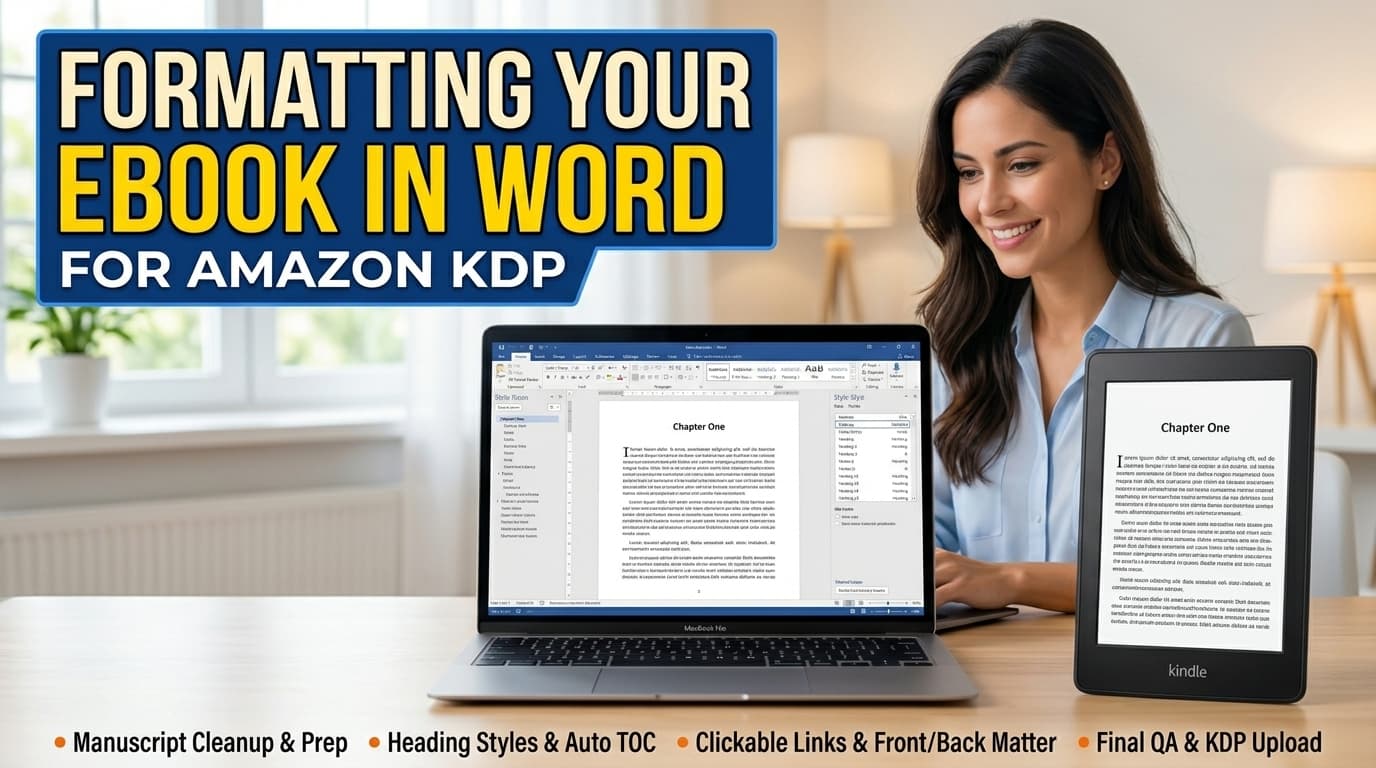
Formatting Your Ebook in Word for Amazon KDP
Published September 14, 2026
A practical, KDP-accurate walkthrough for turning a raw Word manuscript into a properly structured Kindle ebook: cleanup, paragraph and chapter styling, a working clickable table of contents, front and back matter, and a pre-upload quality pass.
Curriculum (8 modules, 18 lessons)
Module 1: Manuscript Cleanup & Prep
Get the document down to clean, final text before any formatting begins.
Module 2: Core Text Formatting
Paragraph, font, and margin settings that convert reliably on every device.
Module 3: Chapter Structure & Style
Heading-based chapter titles, page breaks, and consistent spacing.
Module 4: Scene Breaks & Manuscript Polish
Consistent scene-break formatting and a dedicated error-hunting pass.
Module 5: Front Matter Essentials
Cover, copyright page, and a genuinely clickable table of contents.
Module 6: Author Bio & Reader Links
Author photo formatting and clickable links throughout the manuscript.
Module 7: Back Matter That Converts
Reader letters, sneak peeks, other titles, and newsletter signups.
Module 8: Final QA & KDP Upload
A full read-through checklist and the actual upload/preview process.
Leave a Rating
Free
Lifetime access — read online or download the full course